







Keep an eye out for this icon for some fun activities!





Welcome to your new life as an AI creator. YOU—YES, YOU!—now own a wedding photography business, in addition to hosting a true-crime podcast. Good thing you have an AI PC powered by an Intel® Core™ Ultra processor to help you work fast and be creative.

Today’s challenge? It’s Friday afternoon, and you only have 24 hours to photograph a wedding, edit the photos/videos, host a Zoom meeting, and transcribe and post your latest podcast by Saturday afternoon.
Start the timer and let’s gooooo!




Tap the button to start the timer.






Wedding time!
At Friday’s all-night beach wedding, you and your crew need to take about 4,000 photos and capture eight hours of video footage. Easy, right?
Choose five of your favorite photos to deliver a sneak peek to your client!










Tap up to five photos you want to select.


Load up!
Before you go to sleep, you connect your camera to your laptop’s Thunderbolt™ 4 port to rapidly transfer all your image and video files.
Start uploading now!
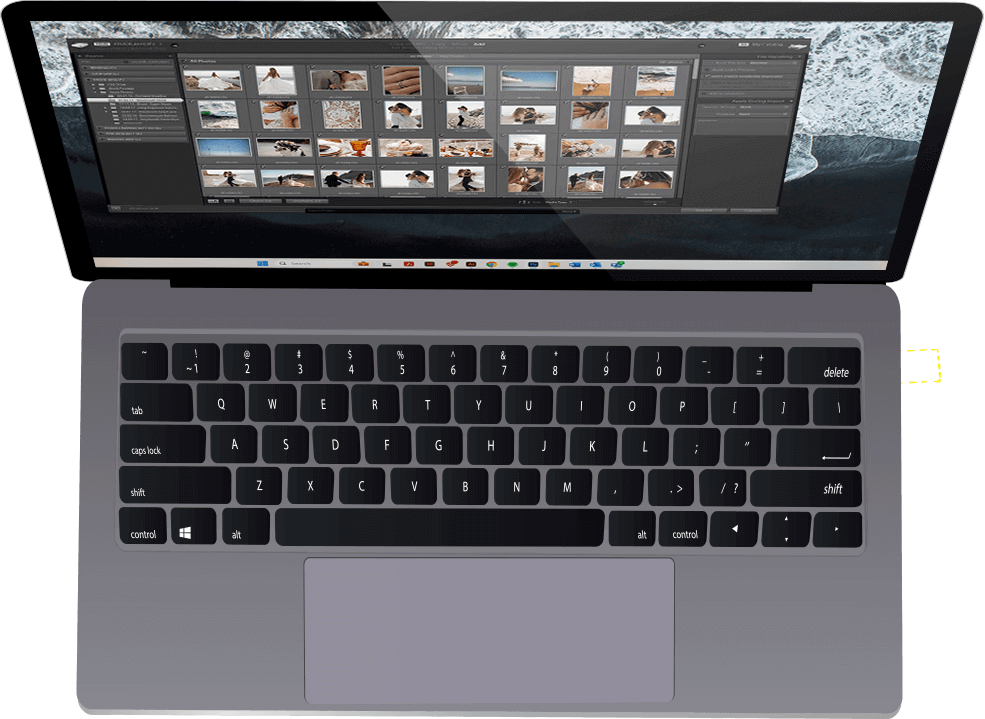




Drag the hand to plug the cable into your computer.



Wake up and start culling
As soon as you wake up, you cull the thousands of photos down to a hundred of the best shots. Culling used to take half the day—now you can do it in under one hour using Adobe Photoshop Lightroom Classic on your Intel® Core™ Ultra processor-based laptop.
Cull the image by rating them from one to five stars. The top-rated photos are your keepers.


Tap the button to start the timer.

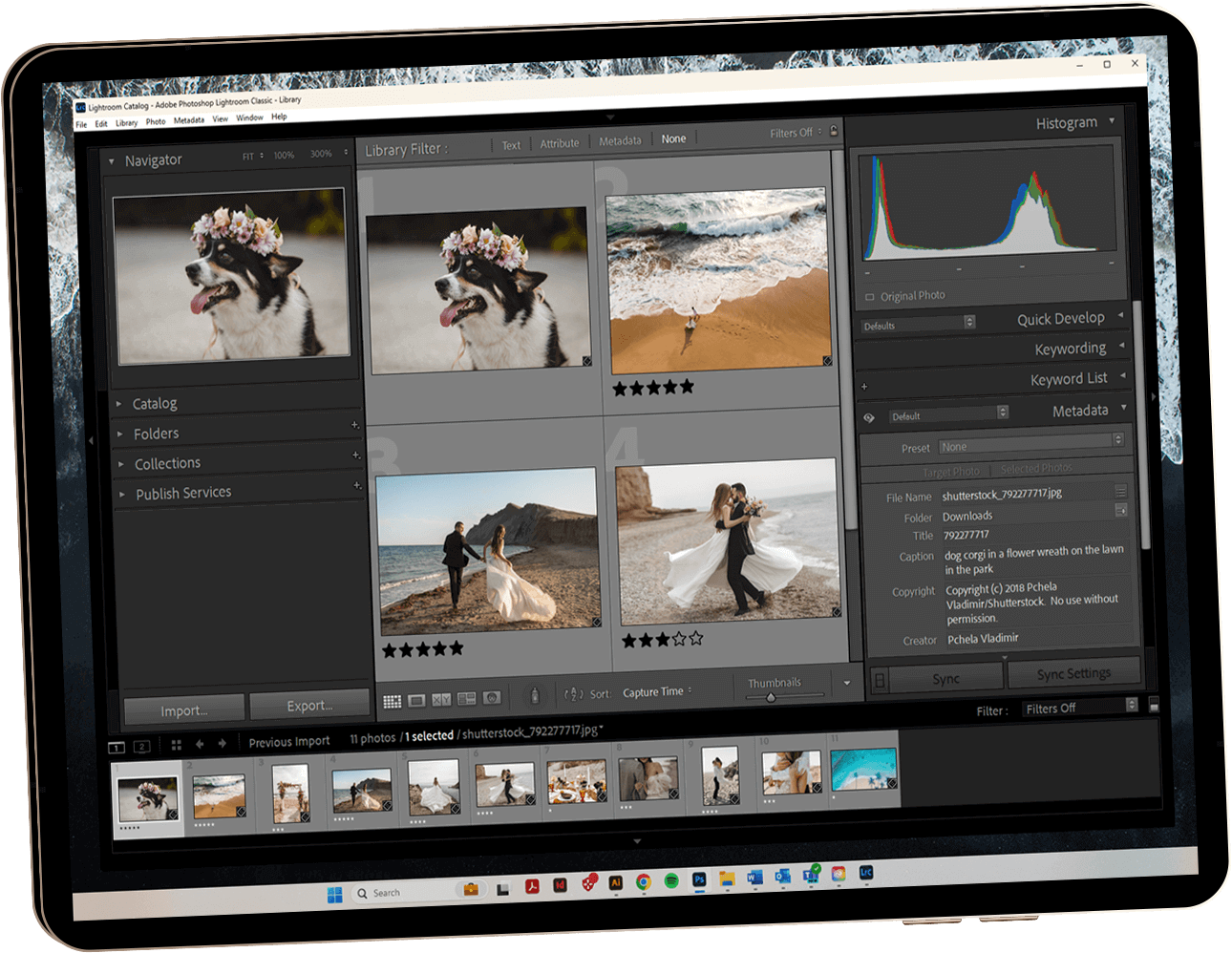

Tap the stars to rate the photo.



Edit those videos
Uh-oh. It’s already 10 a.m., and you have a call with potential clients at noon. And you still haven’t edited your eight hours of video footage!
You’re not stressed because you know how to use the latest AI video editing features in Adobe Premiere Pro—features that are optimized for performance and efficiency on PCs powered by Intel® Core™ Ultra processors.









230% faster video editing1
Adobe Premiere Pro Beta
Intel® Core™ Ultra 7 processor 165H vs. 13th Gen Intel® Core™ i7-1370P processor
Drag and drop the numbers to the boxes to guess the right number.





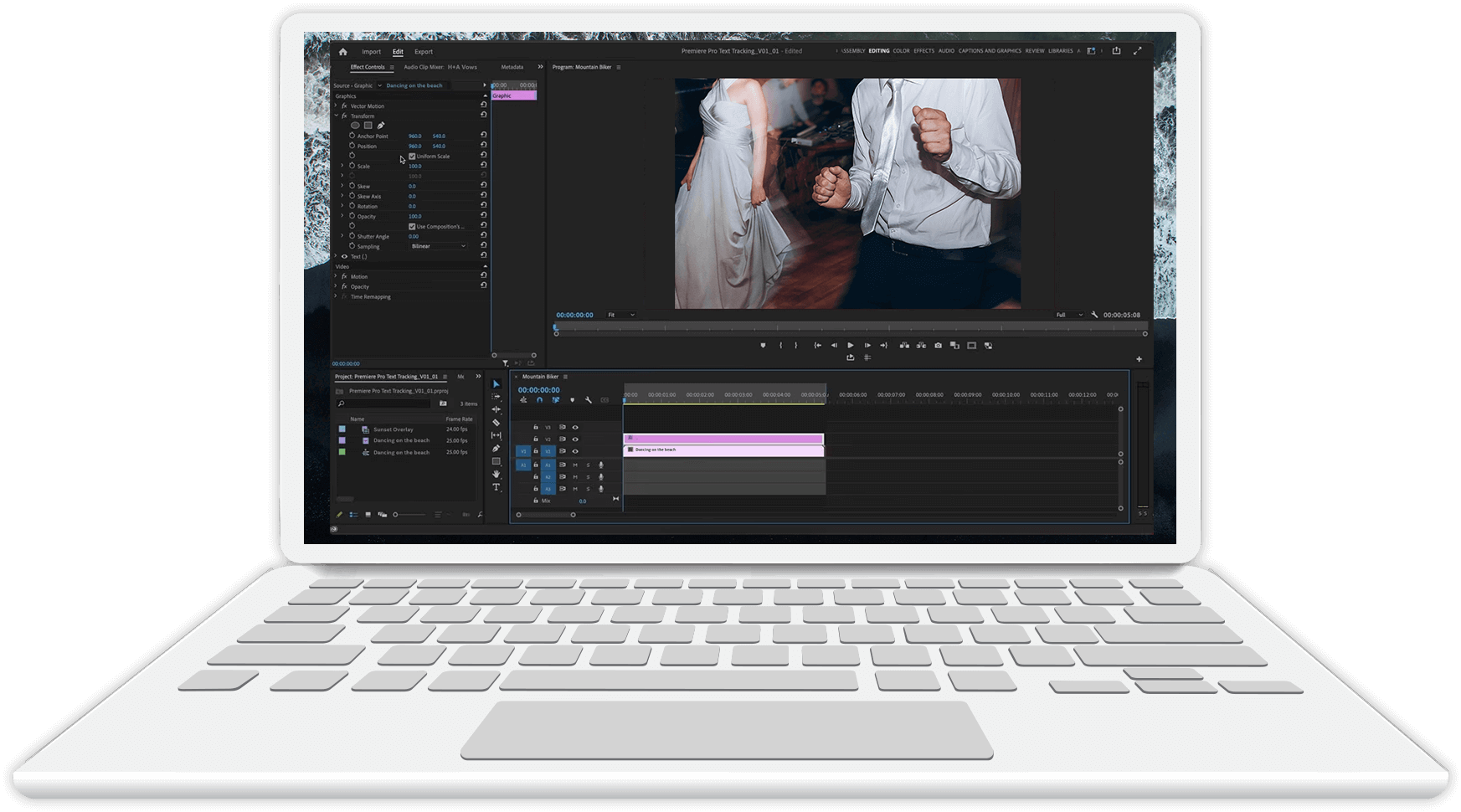
AI-enabled Scene Edit Detection
Your crew lightly edited the video clips this morning. Now, you use the AI-driven Scene Edit Detection feature of Premiere Pro to find the original edit points in the videos.
It only takes minutes to separate the videos from the daytime ceremony from the videos of the evening reception. All the clips are now ready for later re-cutting.

AI-enabled Auto Reframe
With the AI-enabled Auto Reframe feature of Premiere Pro, you only need a few seconds to post a clip of the wedding to your business Instagram.
Auto Reframe can automatically crop and reframe a horizontal (16:9) aspect ratio to a vertical (9:16) version for posting on Instagram.



Tap the blue button to reframe the image.




Let’s talk business
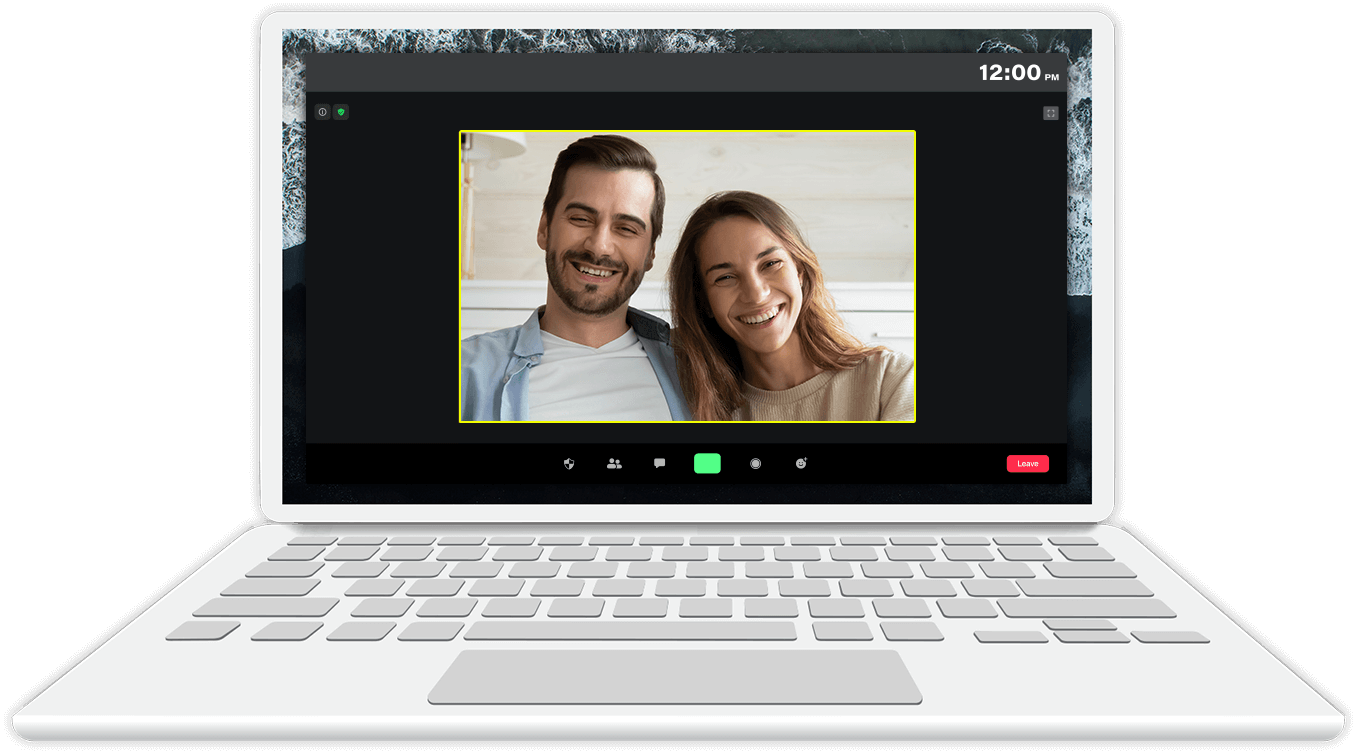
By noon, you’re at a quiet café hopping on Zoom to talk with a couple about photographing their upcoming wedding. You’re not worried about finding a seat near a power outlet because your Intel® Core™ Ultra processor-based PC uses up to 38% less power for AI-enhanced collaboration.2
You also need to look and sound professional. Once again, your AI PC saves the day.
Virtual backgrounds:
AI can remove, replace, or blur your background without expensive greenscreens or lighting.
Meeting summaries:
As meeting host, you can send an AI-generated summary of the participants.
Noise suppression:
AI can intelligently remove distracting background noise.
Audio transcription:
AI can automatically produce a written transcription of the audio from your meeting to help you remember every detail, like your price quote.







What about your podcast?!
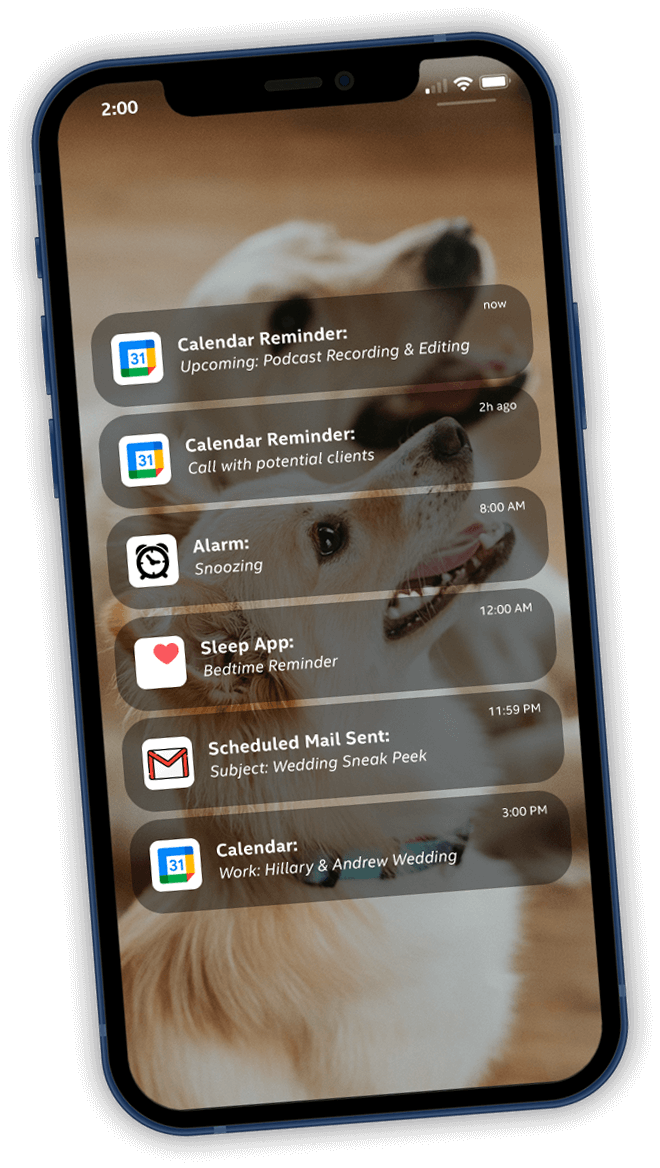
You only have an hour left to get your latest podcast transcribed and published, but have no fear: AI optimized for Intel® Core™ Ultra processors is here.
Simply open up Audacity to use the AI-driven Transcription tool, which automatically creates subtitles, captions—and transcripts—of podcasts. The transcripts are easy to search and edit, and the tool automatically applies punctuation and removes unwanted phrases like “um.”
Which AI engine in Intel® Core™ Ultra processors runs the Transcription feature?

GPU

NPU
CPU
Tap the post-it with the correct answer.

GPU
No, the GPU accelerator doesn’t run the Transcription feature. It’s ideal for large and complex AI workloads, like video editing.


NPU
You got it!
The new neural processing unit (NPU) runs the Transcription feature. The NPU is designed to extend battery life by efficiently running sustained AI workloads, leaving the CPU and GPU idle or running at lower power states.
CPU
No, the CPU accelerator doesn’t run the Transcription feature. It tackles small AI workloads that need to run at low latency, like editing photos with neural filters.


You did it, creator!
In less than 24 hours, you photographed a wedding, edited the photos/videos, hosted a Zoom meeting, and transcribed and posted your latest podcast. With AI features optimized for Intel® Core™ Ultra processors, creators (like you!) can do beautiful work in less time.
Now, please take Sunday off—you deserve some rest!
Close